1钩子
How to Vibe Code Your First Product using Claude. 直接点出方法与工具名,让想用AI做产品的人一眼确认这是给自己的教程。
- 内容
- How to Vibe Code Your First Product using Claude.
- 位置
- 画面左侧,占宽约四成
- 字体
- 粗黑无衬线,Vibe Code 下有粉橙手绘下划线
把封面放到灯下。它能火的五个原因,每一个都是一层,可以单独打开:文字、它用的网格、配色、主体和光线。
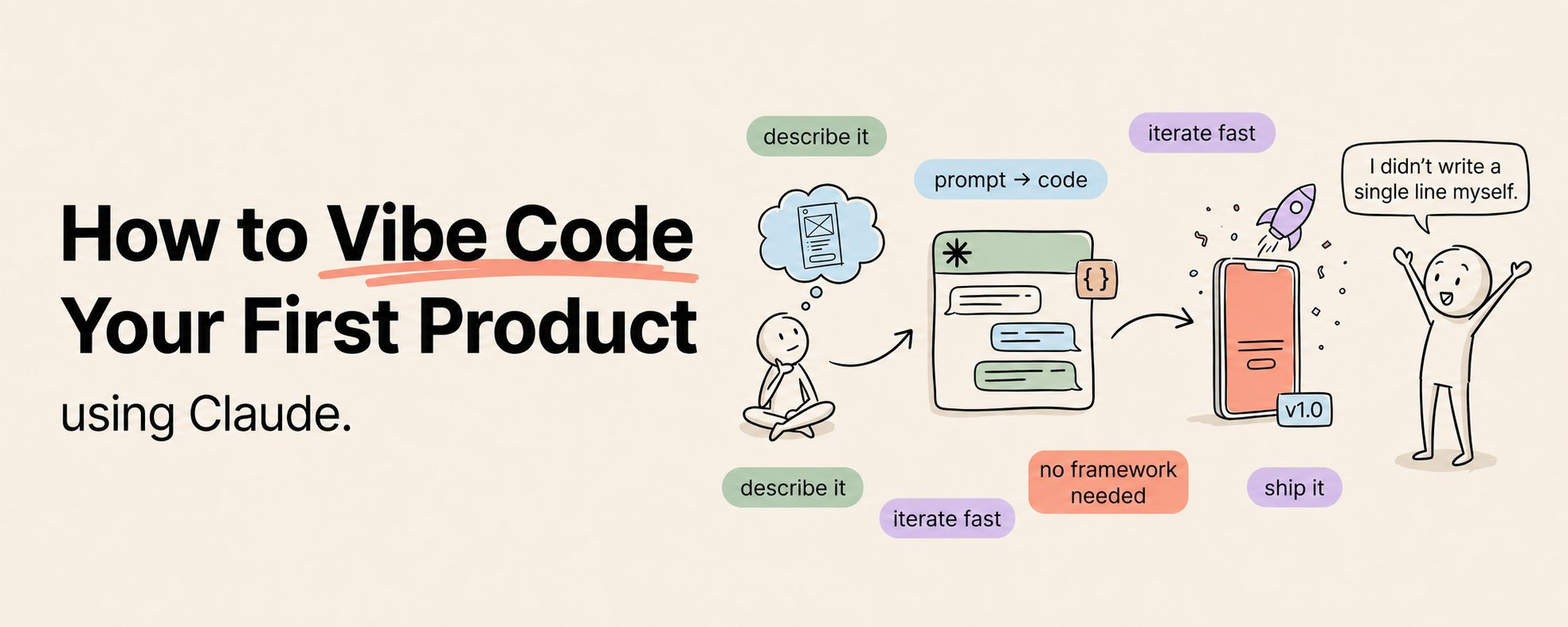
How to Vibe Code Your First Product using Claude. 直接点出方法与工具名,让想用AI做产品的人一眼确认这是给自己的教程。
非本平台数值
由 Khairallah AL-Awady 于 2026年5月18日发布在公众号封面。已注明作者并附原帖链接。
一字未改。直接复制,或者让 Queenie 换成你自己的内容。
请基于参考封面的构图、视觉隐喻和公众号缩略图可读性,生成一张新的微信公众号横版封面。 输出尺寸:1456x582,比例约 2.5:1;核心主体和必要标题信息要兼顾公众号安全方形裁切。 公众号文章标题:{填写公众号文章标题} 简介:{填写简介} 原封面方法:如何使用Claude进行“氛围编程”(VibeCoding)构建你的首个产品(完整课程)风格双技能 Create a horizontal WeChat public-account article cover, 2.35:1 aspect ratio, for an article titled "如何使用 Claude 进行“氛围编程” (Vibe Coding) 构建你的首个产品(完整课程)". Central concept: 把抽象工具能力可视化为界面窗口、代码片段、节点网络、操作台、AI 工作流或发光的系统核心。 Style: preserve the reference cover's visual direction: 浅底极简信息图/产品幻灯片. Use a palette inspired by #f7efe4 (white), #c6bcb5 (cream), #f8efe4 (white), #f7efe3 (white). Keep the image editorial, conceptual, and readable as a small WeChat thumbnail. Composition: 留白多,适合大标题、少量图标和清晰的左文右图/中心标题布局。 Keep the main subject and any essential title text inside the safe square crop, while using the full wide frame for atmosphere, secondary symbols, or directional motion. Text strategy: use either no text or a very short headline fragment from the title. If text is used, make it large, clean, and integrated into the layout rather than pasted on top. Mood: match the article skill "如何使用Claude进行氛围编程VibeCo…风格双技能" -- useful, sharp, high-signal, and slightly more memorable than a normal tutorial thumbnail. Avoid: photorealistic clutter unless the source cover is photo-led, fake logos, unreadable tiny text, generic gradient blobs, stock-office imagery, watermark-like marks, and literal screenshots unless the article is explicitly about software interfaces.