AI tools · WeChat cover · potential 41 · Machine-translated
How to Become a Hermes Agent Operator
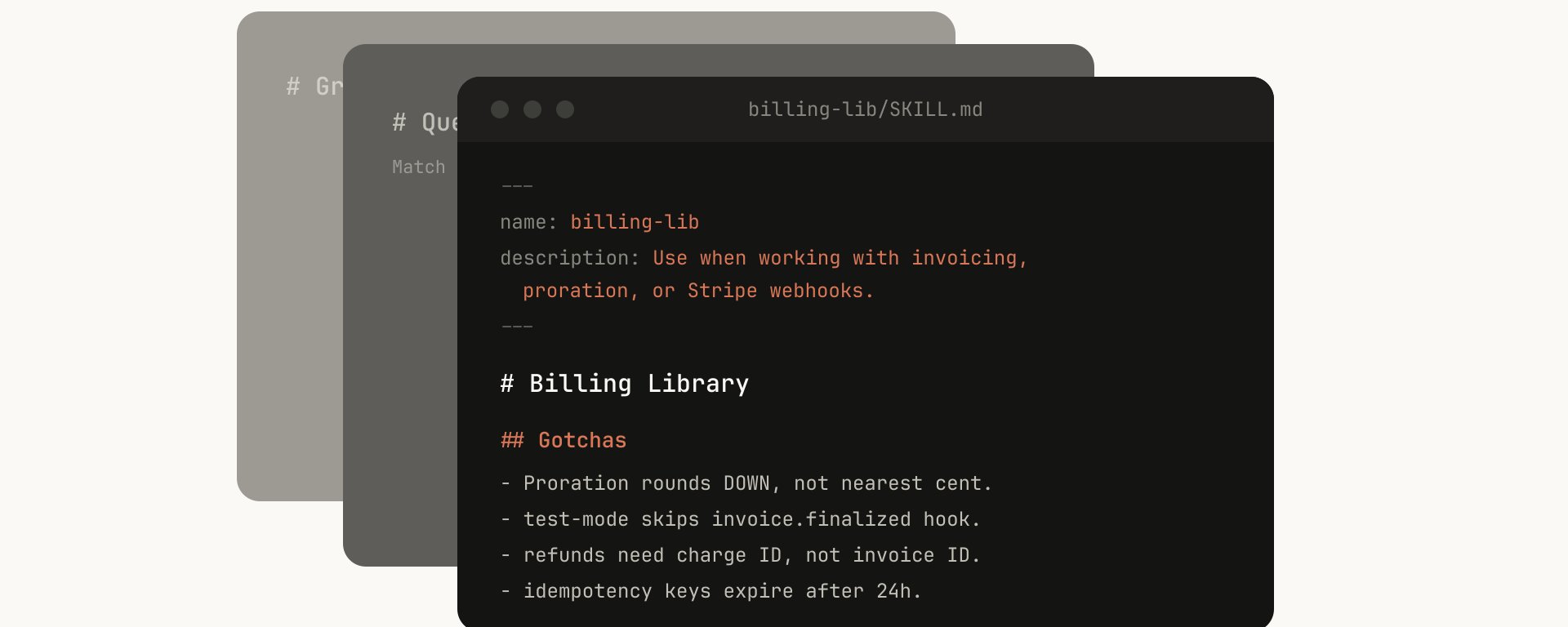
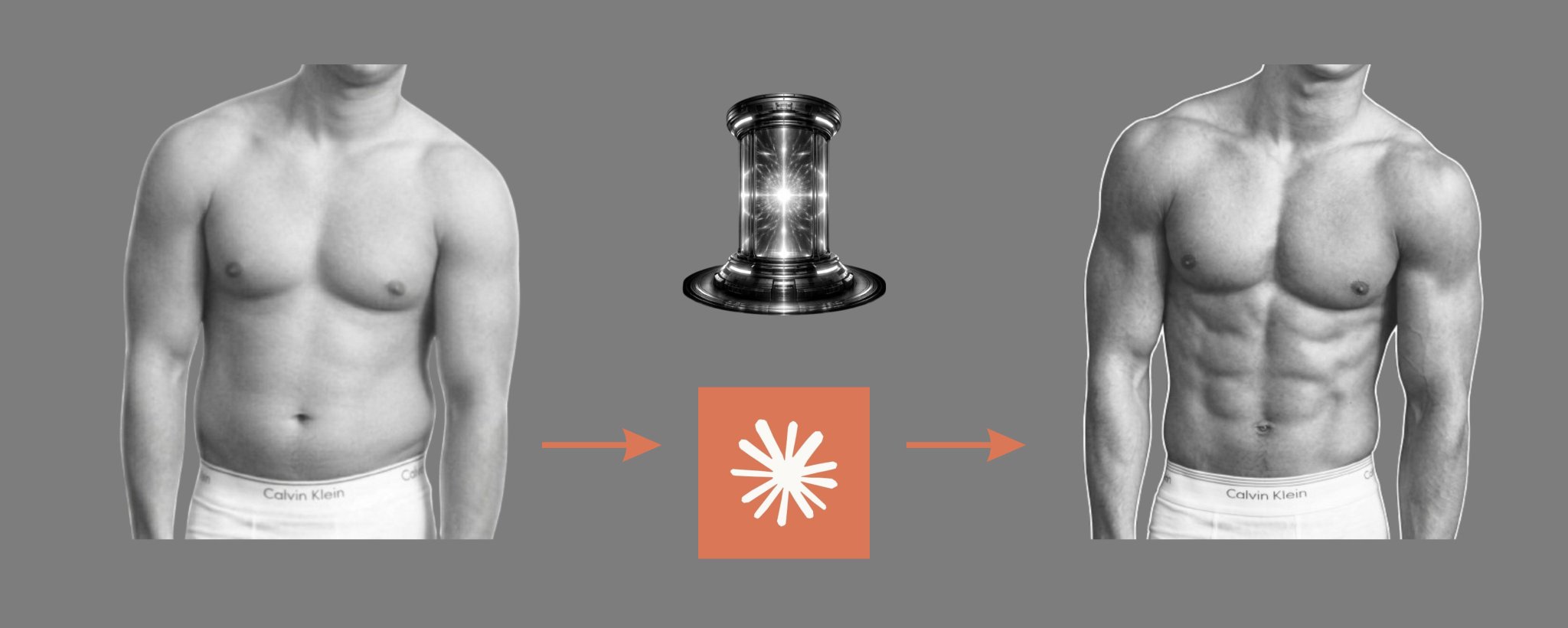
Put the cover under the lamp. Each of the five things that made it work is a layer you can switch on: the words, the grid it sits on, the colours it uses, the subject, the light.
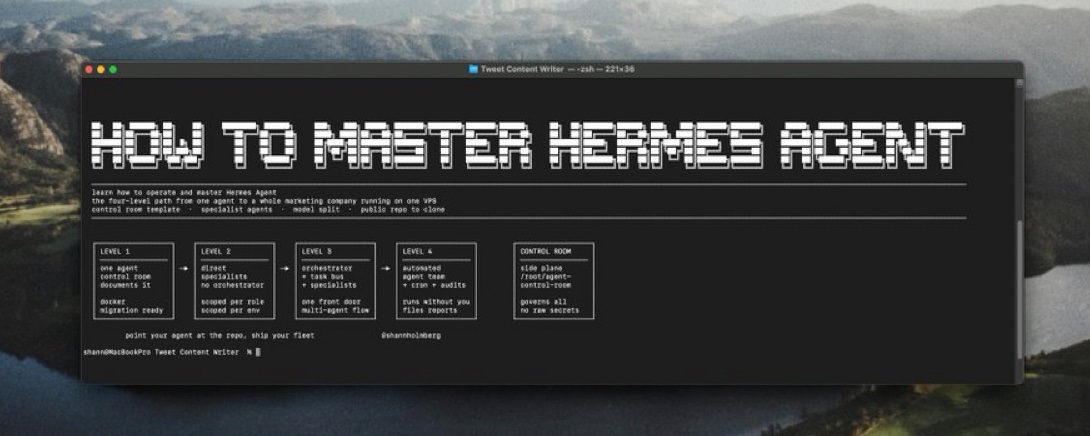
HOW TO MASTER HERMES AGENT. An all-caps pixel-font title occupies the visual center, clearly promising a learning goal and making people want to click to see the steps.
Content
HOW TO MASTER HERMES AGENT
Position
Centered in the middle of the window
Font
All-caps pixel style, white
♥ 297 likes★ 757 saves↗ 33 shares
Not from this platform
Posted by MIKE on WeChat cover, 7 Jun 2026. Shown with credit and a link back.
Keep all five layers and swap what’s under them: your shop, your budget, your city. You get four covers and the post text.
Verbatim. Copy it, or let Queenie swap in your own details.
Based on the reference cover's composition, visual metaphors, and WeChat official-account thumbnail readability, generate a new horizontal WeChat official-account cover. Output size: 1456x582, ratio about 2.5:1; keep the core subject and essential title information within the safe square crop for WeChat. WeChat article title: {fill in the WeChat article title} Intro: {fill in the intro} Original cover method: How to Become a HermesAgentOperator style dual-skill Create a horizontal WeChat public-account article cover, 2.35:1 aspect ratio, for an article titled "如何成为一名 Hermes Agent 操作员". Central concept: visualize abstract tool capabilities as interface windows, code snippets, node networks, control consoles, AI workflows, or a glowing system core. Style: preserve the reference cover's visual direction: dark high-contrast cinematic/fable-style cover. Use a palette inspired by #1e1e1e (charcoal), #343636 (charcoal), #898d8e (gray), #222222 (charcoal). Keep the image editorial, conceptual, and readable as a small WeChat thumbnail. Composition: the image has a high amount of information, suitable for a central subject plus supporting info on the left and right, keeping the thumbnail readable. Keep the main subject and any essential title text inside the safe square crop, while using the full wide frame for atmosphere, secondary symbols, or directional motion. Text strategy: use either no text or a very short headline fragment from the title. If text is used, make it large, clean, and integrated into the layout rather than pasted on top. Mood: match the article skill "How to Become a HermesAgentOperator style dual-skill" -- useful, sharp, high-signal, and slightly more memorable than a normal tutorial thumbnail. Avoid: photorealistic clutter unless the source cover is photo-led, fake logos, unreadable tiny text, generic gradient blobs, stock-office imagery, watermark-like marks, and literal screenshots unless the article is explicitly about software interfaces.