AI tools · WeChat cover · potential 86 · Machine-translated
How to Boost Claude's Performance 200x in 5 Minutes and Evolve It into a Fully Automated AI Agent
Put the cover under the lamp. Each of the five things that made it work is a layer you can switch on: the words, the grid it sits on, the colours it uses, the subject, the light.
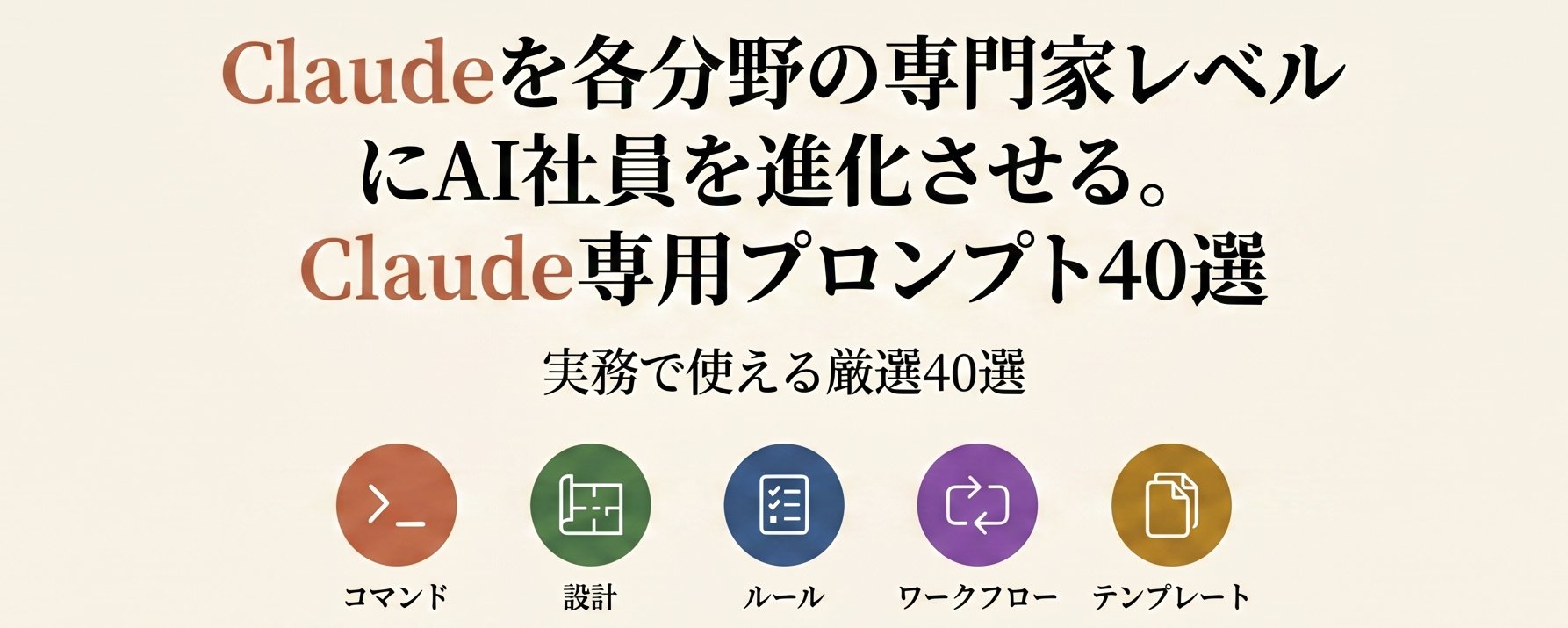
Claudeを各分野の専門家レベルにAI社員を進化させる。. Directly makes the strong promise of "upgrading AI into an expert-level employee," making people immediately want to know how it's done.
Content
Claudeを各分野の専門家レベルにAI社員を進化させる。
Second line
Claude専用プロンプト40選
Subtitle
実務で使える厳選40選
Position
Centered in the upper half of the image
♥ 1.5K likes★ 4.3K saves↗ 151 shares
Not from this platform
Posted by ガガロット on WeChat cover, 28 Apr 2026. Shown with credit and a link back.
Keep all five layers and swap what’s under them: your shop, your budget, your city. You get four covers and the post text.
Verbatim. Copy it, or let Queenie swap in your own details.
Based on the reference cover's composition, visual metaphor, and WeChat public-account thumbnail readability, generate a new horizontal WeChat public-account cover. Output size: 1456x582, ratio about 2.5:1; the core subject and essential title information should also work for the WeChat public-account safe square crop. WeChat article title: {enter the WeChat article title} Intro: {enter the intro} Original cover method: How to boost Claude's performance 200x in 5 minutes and evolve it into a fully automated AI Agent | style dual-skill Create a horizontal WeChat public-account article cover, 2.35:1 aspect ratio, for an article titled "How to Boost Claude's Performance 200x in 5 Minutes and Evolve It into a Fully Automated AI Agent". Central concept: visualize abstract tool capabilities as interface windows, code snippets, node networks, control consoles, AI workflows, or a glowing system core. Style: preserve the reference cover's visual direction: black-and-white or low-saturation editorial illustration/photo. Use a palette inspired by #f8f2e6 (white), #f7f1e5 (white), #f5f1e5 (white), #685a54 (brown). Keep the image editorial, conceptual, and readable as a small WeChat thumbnail. Composition: lots of whitespace, suitable for a large headline, a few icons, and a clear left-text-right-image / center-headline layout. Keep the main subject and any essential title text inside the safe square crop, while using the full wide frame for atmosphere, secondary symbols, or directional motion. Text strategy: use either no text or a very short headline fragment from the title. If text is used, make it large, clean, and integrated into the layout rather than pasted on top. Mood: match the article skill "How to boost Claude's performance 200... in 5 minutes | style dual-skill" -- useful, sharp, high-signal, and slightly more memorable than a normal tutorial thumbnail. Avoid: photorealistic clutter unless the source cover is photo-led, fake logos, unreadable tiny text, generic gradient blobs, stock-office imagery, watermark-like marks, and literal screenshots unless the article is explicitly about software interfaces.