AI tools · WeChat cover · potential 36 · Machine-translated
Must-read: Claude Cowork × SEO Full Automation — The "AI Workflow Design" Textbook Saved by 16,000 People
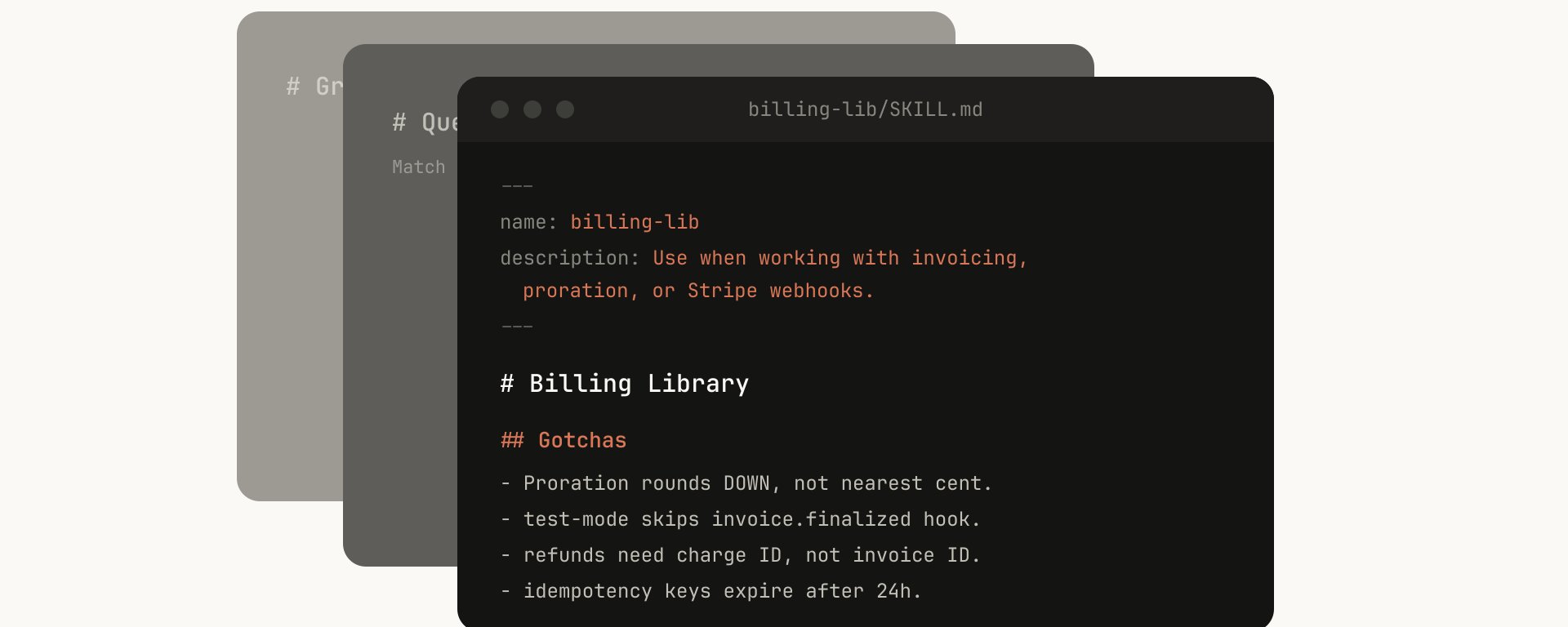
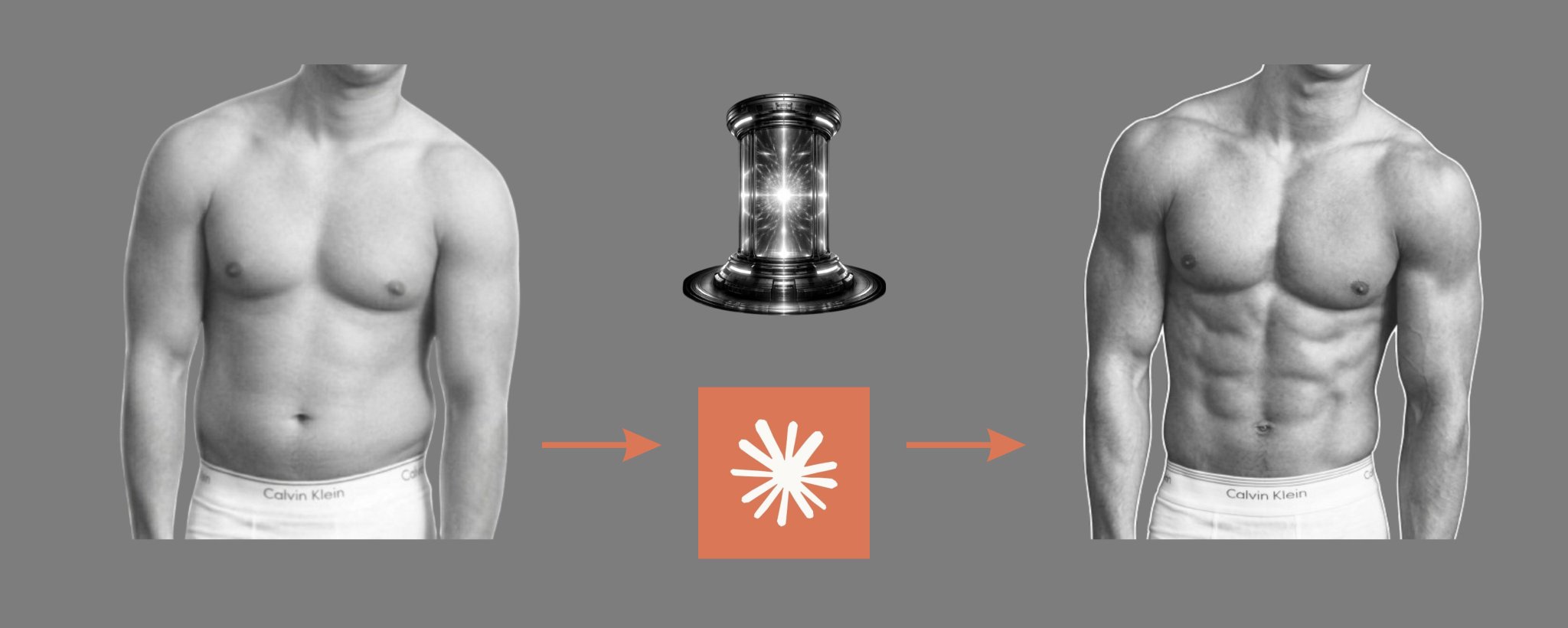
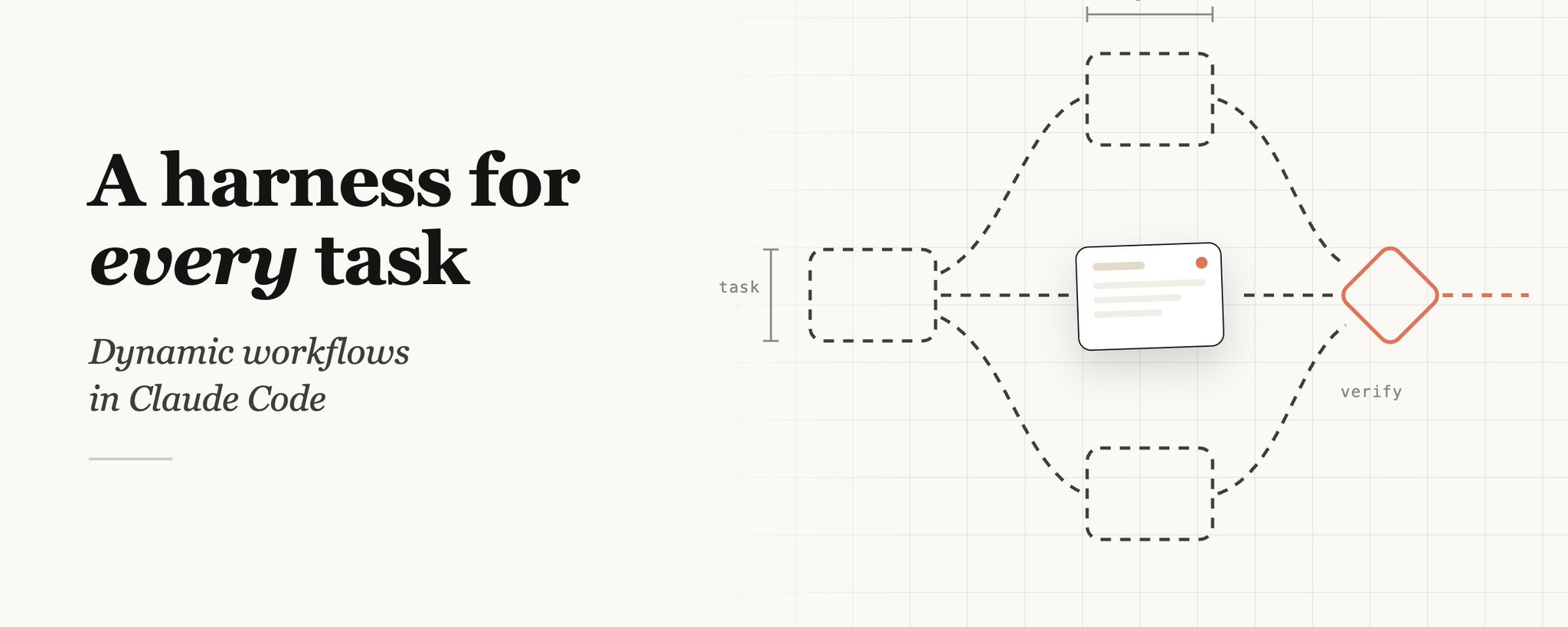
Put the cover under the lamp. Each of the five things that made it work is a layer you can switch on: the words, the grid it sits on, the colours it uses, the subject, the light.
Claude Cowork × SEO 完全自動化ガイド. Putting the tool name, niche, and "full automation" right out front means readers instantly know they'll get a complete solution.
First line
Forbes掲載のSEO世界1位が実践する,gray small text
Main title
Claude Cowork × SEO,deep navy ultra-bold text
Emphasis line
完全自動化ガイド,orange-brown bold text
Last line
16,000人がブクマした "AI業務設計" の教科書,gray small text
Position
All left-aligned, occupying about 70% of the width on the left side of the frame
♥ 311 likes★ 980 saves↗ 15 shares
Not from this platform
Posted by 東大ClaudeCode研究所 on WeChat cover, 29 Apr 2026. Shown with credit and a link back.
Keep all five layers and swap what’s under them: your shop, your budget, your city. You get four covers and the post text.
Verbatim. Copy it, or let Queenie swap in your own details.
Based on the reference cover's composition, visual metaphor, and readability as a WeChat public-account thumbnail, generate a new horizontal WeChat public-account cover. Output size: 1456x582, ratio about 2.5:1; the core subject and essential title information should also work within WeChat's safe square crop. WeChat article title: {填写公众号文章标题} Intro: {填写简介} Original cover method: Must-read: ClaudeCowork×SEO Full Automation — The "AI Workflow Design" Textbook Saved by 16,000 People style dual-skill Create a horizontal WeChat public-account article cover, 2.35:1 aspect ratio, for an article titled "必看:Claude Cowork × SEO 全自动化 —— 16,000 人收藏的“AI 工作流设计”教科书". Central concept: 把抽象工具能力可视化为界面窗口、代码片段、节点网络、操作台、AI 工作流或发光的系统核心。 Style: preserve the reference cover's visual direction: 黑白或低饱和 editorial 插画/照片. Use a palette inspired by #ffffff (white), #fdf1e3 (white), #b18b7a (gray), #fdfdfb (white). Keep the image editorial, conceptual, and readable as a small WeChat thumbnail. Composition: 留白多,适合大标题、少量图标和清晰的左文右图/中心标题布局。 Keep the main subject and any essential title text inside the safe square crop, while using the full wide frame for atmosphere, secondary symbols, or directional motion. Text strategy: use either no text or a very short headline fragment from the title. If text is used, make it large, clean, and integrated into the layout rather than pasted on top. Mood: match the article skill "必看ClaudeCowork×SEO全自动化…风格双技能" -- useful, sharp, high-signal, and slightly more memorable than a normal tutorial thumbnail. Avoid: photorealistic clutter unless the source cover is photo-led, fake logos, unreadable tiny text, generic gradient blobs, stock-office imagery, watermark-like marks, and literal screenshots unless the article is explicitly about software interfaces.